

In a world where streaming options multiply faster than rabbits, sometimes it’s time to say goodbye to a subscription that’s no longer serving its purpose. If you’ve found yourself scrolling through the same old content on Roku, you’re not alone. Canceling your Roku subscription from your phone is as easy as pie—no need to wrestle with your remote or navigate a labyrinth of menus.
Why You Might Want To Cancel Roku Subscription
Users might consider canceling their Roku subscription due to a variety of reasons. Financial savings often drive decisions to cut unnecessary expenses. Monthly fees can add up, especially with multiple streaming subscriptions.
Limited content choices may also prompt action. Repetitive programming prevents viewers from finding new and engaging shows. Many subscribers realize they spend more time browsing than actually watching content.
Changes in viewing habits can impact choices. Some users find themselves watching alternative platforms more frequently. Significant time spent on other services reduces the value of maintaining a Roku subscription.
Technology issues occasionally contribute to frustration. Connectivity problems or slow device performance can hinder the viewing experience. Constantly troubleshooting devices may lead to dissatisfaction.
Users may also seek specialized content not available on Roku. Specific genres or programs could be exclusive to other platforms. Switching subscriptions may offer access to a wider variety of entertainment.
Busy lifestyles mean fewer opportunities to watch television. Time constraints can limit the need for numerous subscriptions. Subscribers facing tight schedules often prioritize content that fits their routines.
Ultimately, assessing personal needs influences the decision to cancel. It’s essential to evaluate how current subscriptions align with streaming preferences. This reflection can clarify whether keeping the Roku plan benefits viewing habits.
Steps To Cancel Roku Subscription From Phone
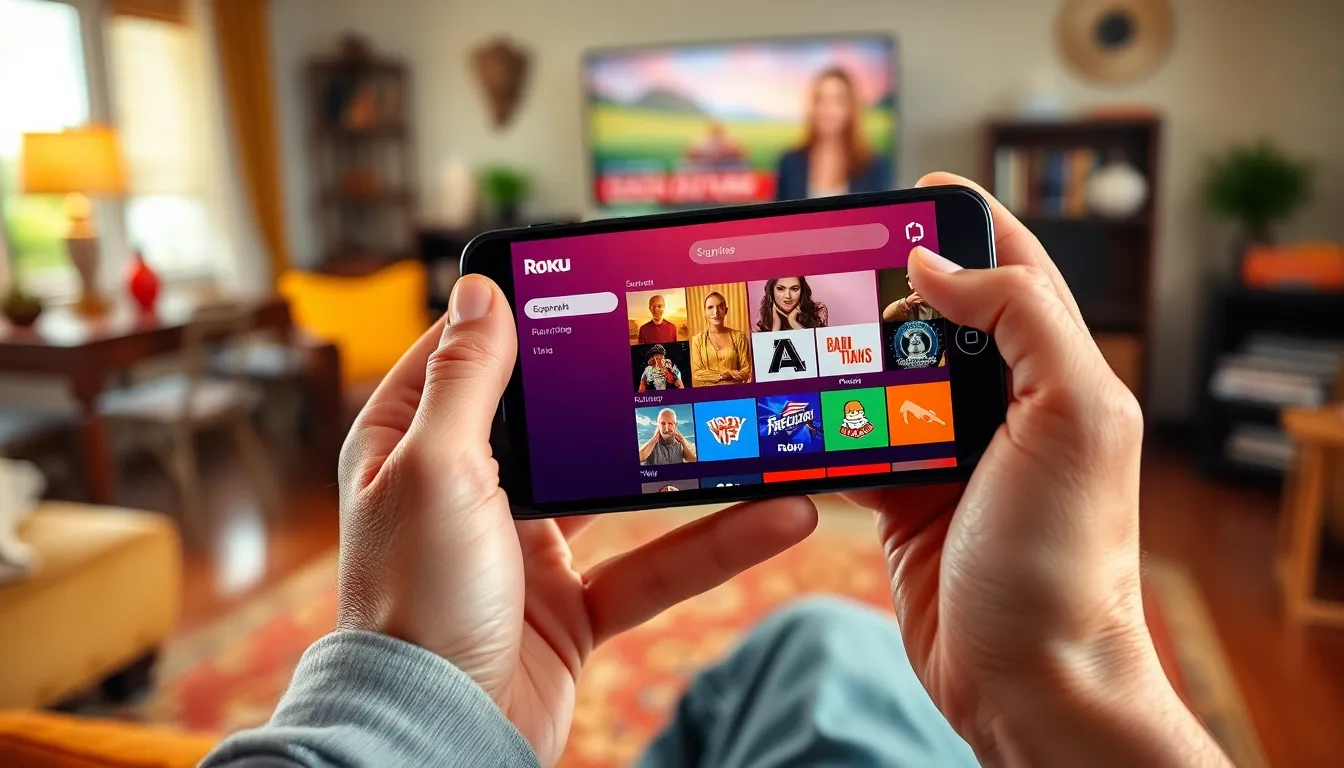
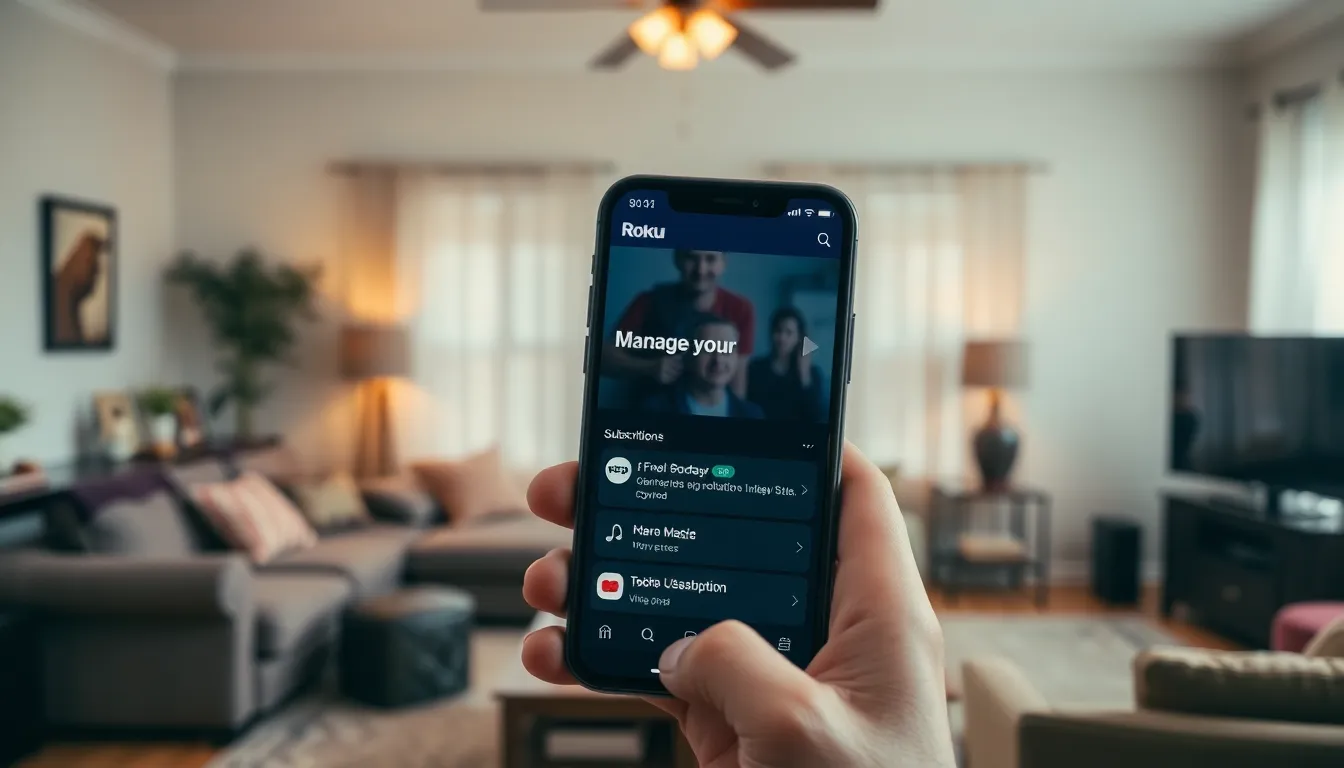
Canceling a Roku subscription from a phone is simple and quick. Users can avoid complex menus and remote controls by following these steps.
Accessing The Roku App
Open the Roku app on the smartphone. Log in with the same account linked to the Roku device. Users can find the app on both iOS and Android platforms. It offers an intuitive interface for managing subscriptions. Once logged in, users can easily locate their account details.
Navigating To The Subscription Settings
Tap on the profile icon in the app for account options. Select “Manage your subscriptions” to find ongoing subscriptions. This section lists all current subscriptions tied to the account. Users should identify the specific Roku subscription they wish to cancel. Access the details for that subscription for further actions.
Confirming The Cancellation
After selecting the subscription, choose the cancellation option. A prompt will appear asking for confirmation of the cancellation. Follow the instructions to finalize the process. Confirming ensures the subscription won’t renew next billing cycle. Users will receive a notification once the cancellation is complete.
Tips For Managing Your Roku Account
Managing a Roku account effectively enhances the streaming experience. Users can keep track of subscriptions and make informed decisions about their entertainment options.
Checking Subscription Status
Regularly checking the subscription status ensures users stay aware of their payments. Open the Roku app on a smartphone to see current subscriptions. Go to the profile icon, then select “Manage your subscriptions.” This section displays active subscriptions along with the next billing dates. Users can note any services that might no longer fit their viewing preferences. Adjusting subscriptions based on usage empowers users to save money and optimize their streaming experience.
Alternative Options To Consider
Exploring alternative streaming options can enhance content variety. Users might consider other platforms offering specialized genres or exclusive shows. Services like Netflix or Hulu provide different catalogues that might align better with personal interests. Many users also enjoy free platforms such as Tubi or Pluto TV, which require no subscriptions. Evaluating these alternatives allows users to tailor their viewing experience without unnecessary expenses. Comparing options helps in finding platforms that meet current viewing habits effectively.
Common Issues When Cancelling Roku Subscription
Users often encounter several issues when they decide to cancel their Roku subscription. Confusion may arise regarding the access point for cancellation. Many users believe cancellation requires navigating complex menus, which can lead to frustration.
Limited awareness about subscription renewal dates contributes to problems. Individuals might forget when the next billing cycle starts, causing unexpected charges. Accessibility of cancellation features can also vary, leading to uncertainty about how to proceed.
Another challenge involves device compatibility. Users may find that certain cancellation steps differ between mobile devices and the Roku interface. Miscommunication regarding account verification can complicate the process, especially if users forget to log in with the correct credentials.
Technical glitches represent a common frustration as well. App crashes during the cancellation process can cause users to abandon their efforts. Connectivity issues with the internet may hinder the ability to complete cancellations smoothly.
Subscription notifications may sometimes confuse users. Notifications that indicate ongoing subscriptions can mislead individuals into thinking they haven’t canceled successfully. Users should closely monitor their account for confirmation messages after initiating the cancellation process.
Lastly, emotional aspects can complicate decision-making. Attachment to content or habitual viewing may lead individuals to hesitate about finalizing the cancellation. Recognizing these challenges allows users to navigate the cancellation process efficiently, ultimately aligning subscriptions with their viewing preferences.